School offer · Print Catch-UP + digital media centre
Buy the books. Unlock the whole media centre.
When your school takes Kidscatchup Catch-UP workbooks, you don’t only get paper —
you get a school-wide digital twin on the live platform:
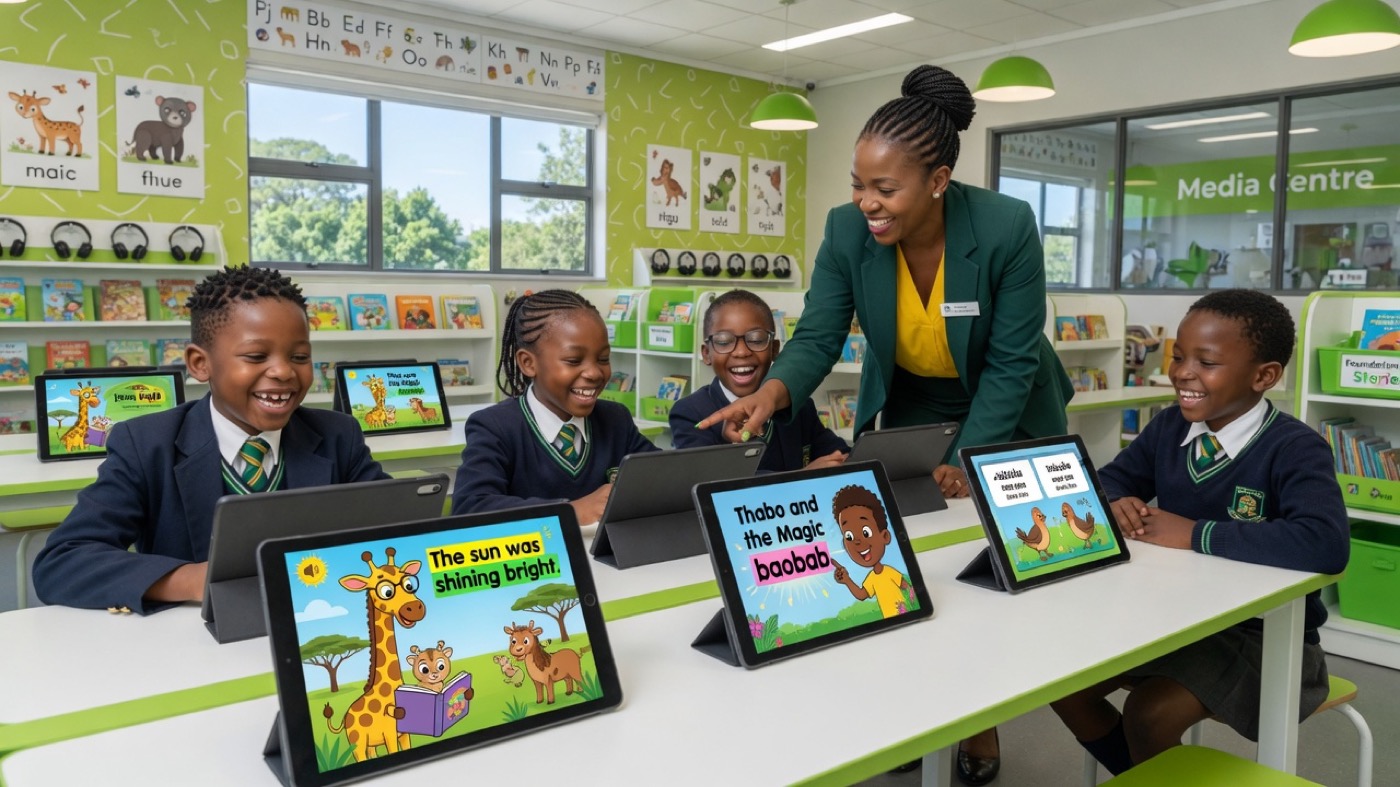
live classes, learner join codes, narrated stories, workbook exercises, and CAPS SBA reporting.
One licence code (order confirmation or QR card in the pack) unlocks the matching programme
for your entire media centre — not one seat per child.
The book-buyer advantage
Standalone media-centre packages can run to thousands of rands per month.
Schools that take Catch-UP print packs get the matching digital companion licence —
activate once, use on shared lab machines, rotate whole classes.
That’s the steal: CAPS paper LTSM + classroom OS for the cost of taking the books seriously.
Printed book ↔ online twin (same content)
Screens and pages from
games.fmedia.co.za
— same order as the printed workbook: story, worksheet, then check.
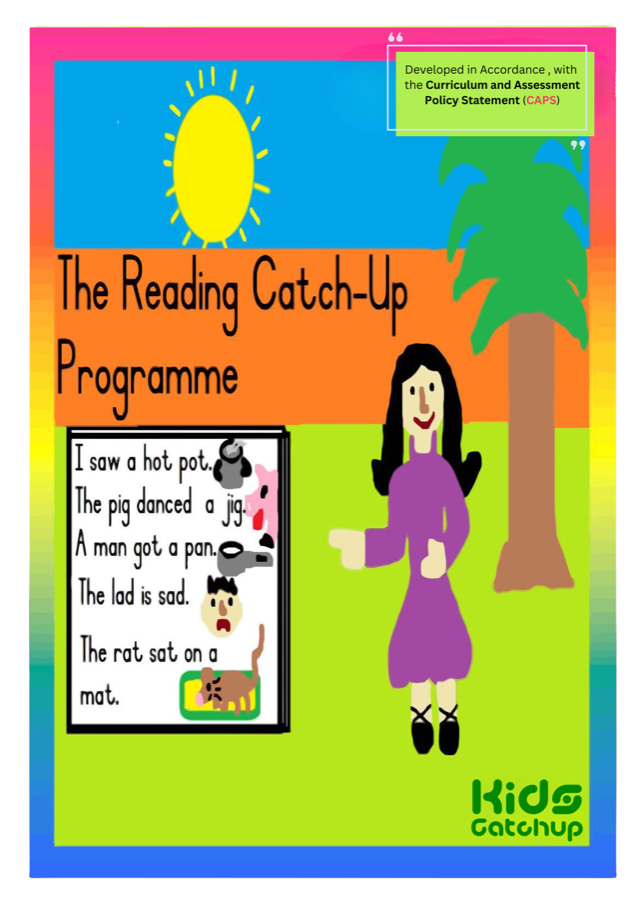
Reading Catch-UP (Book 1 · Foundation Phase)
Printed cover + matching Book 1 story art from the live catalogue.
Printed book
Online · story art
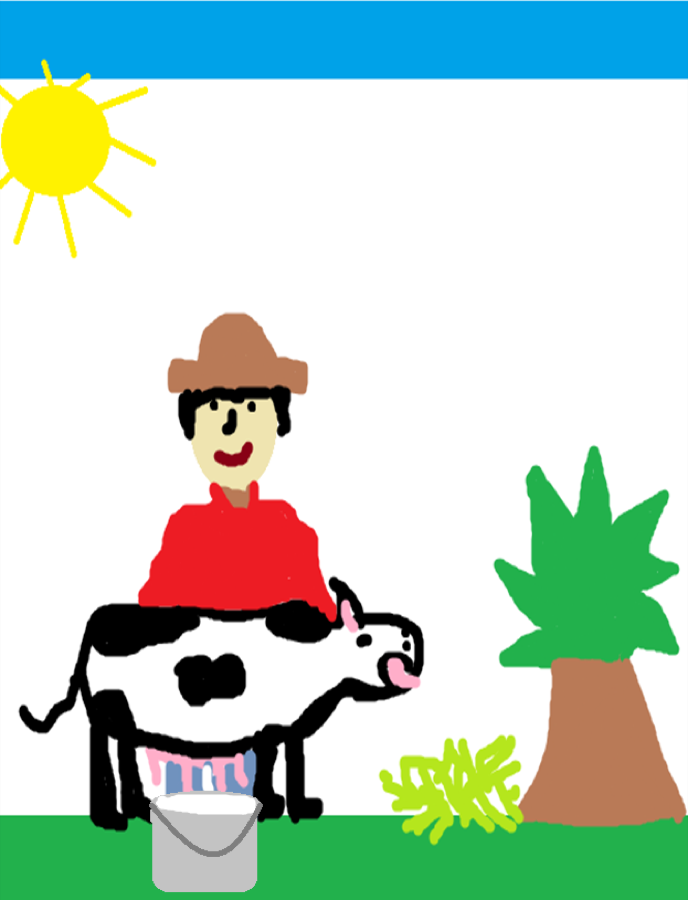
Caddie the Cow · -ad
Online · next story
Annie visits her aunt · -ag
Online steps: story (narration + highlight) → phonics worksheet → comprehension quiz.
Sample exercise · one Book 1 lesson
Caddie the Cow (-ad): 1) narration → 2) phonics exercise → 3) comprehension.
Full exercise set on games.fmedia.co.za.
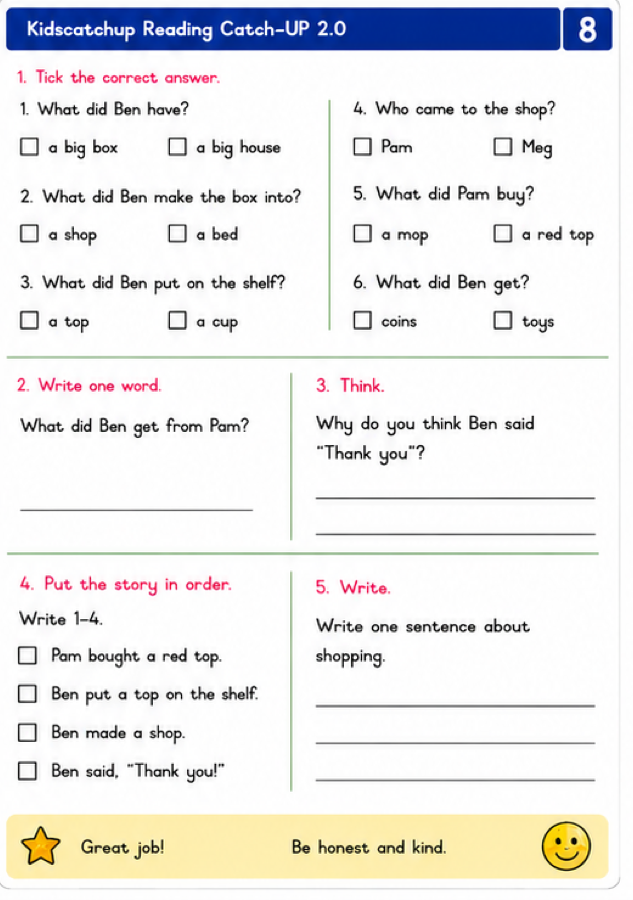
Reading Catch-UP 2.0 (Intermediate Phase)
Book 2 cover + digital twin pages (story · worksheet · comprehension).
Printed book
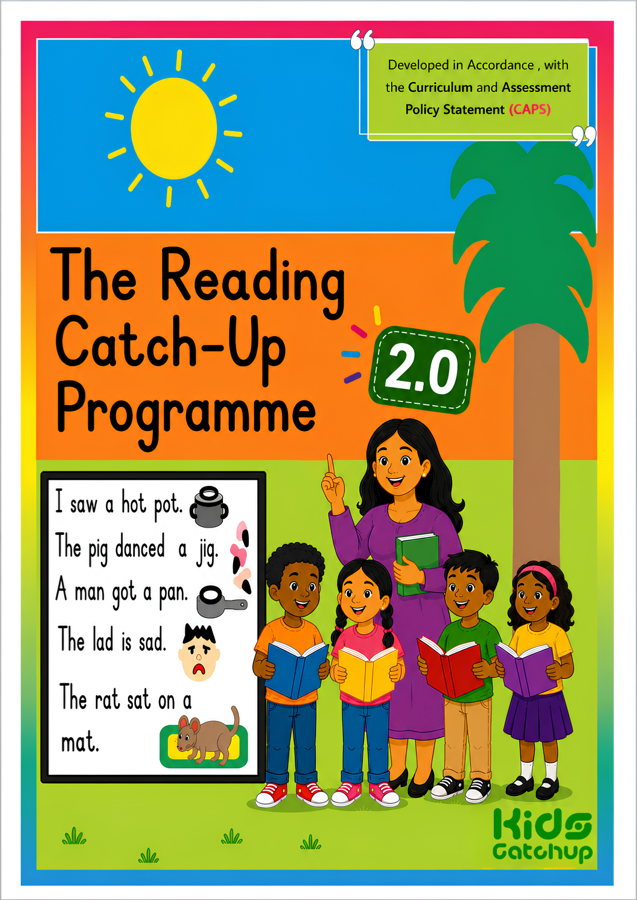
Online · story
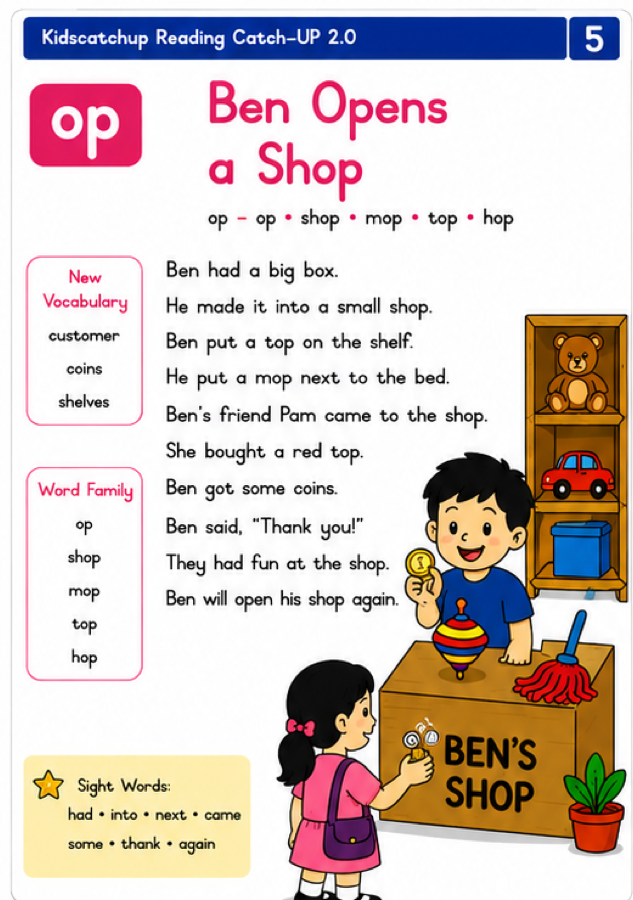
Online · worksheet
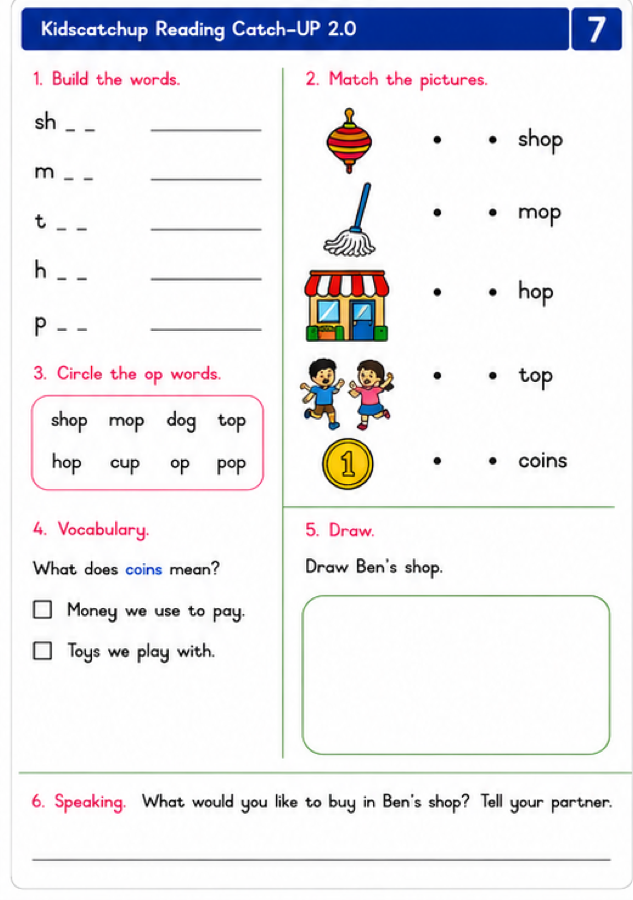
Online · check
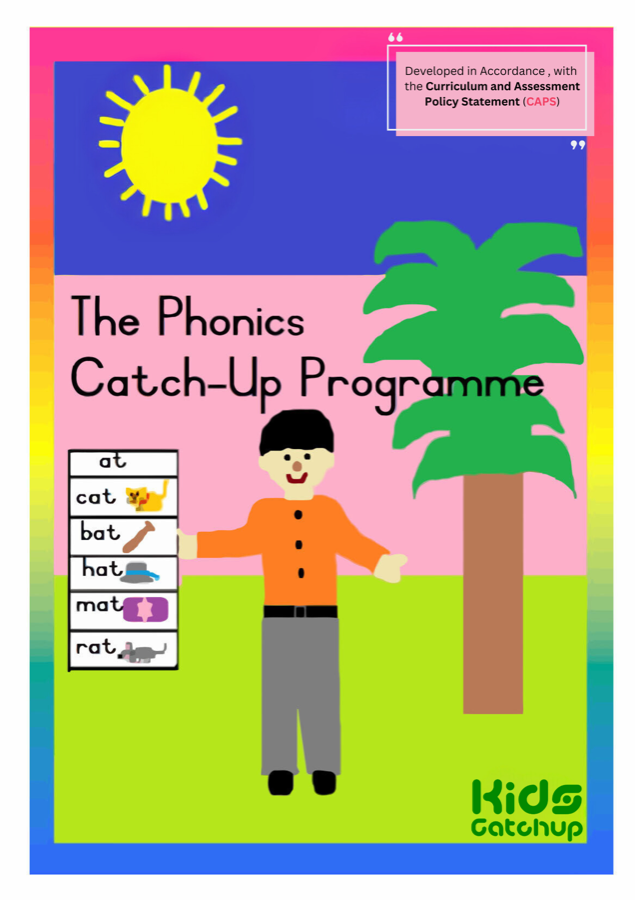
Phonics Catch-UP
Book
Online
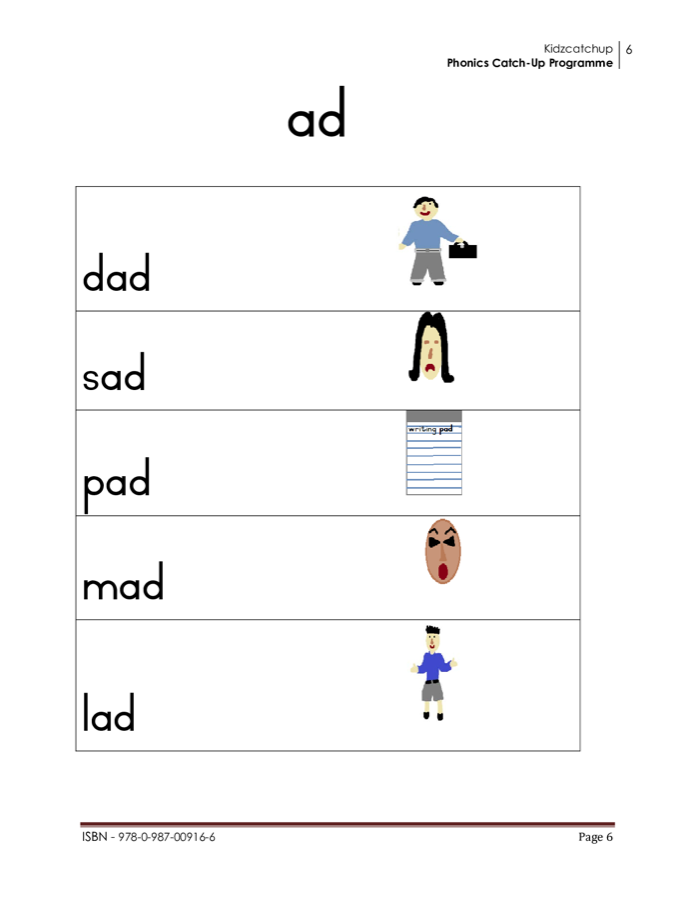
Blend lessons match the printed order.
Maths Catch-UP
Book
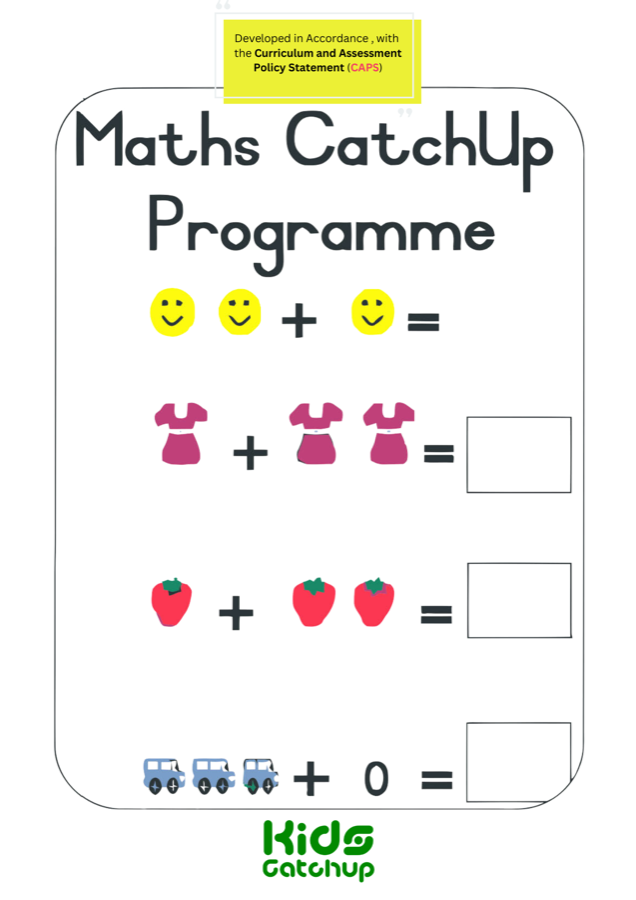
Online
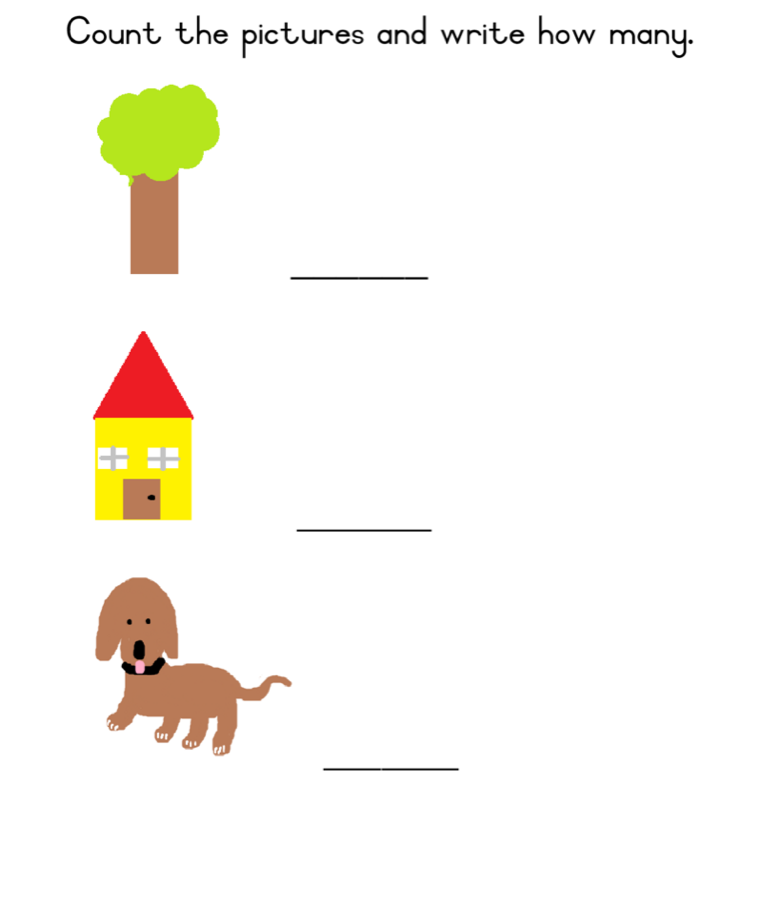
Counting & number pages on screen.
Literacy Catch-UP
Book
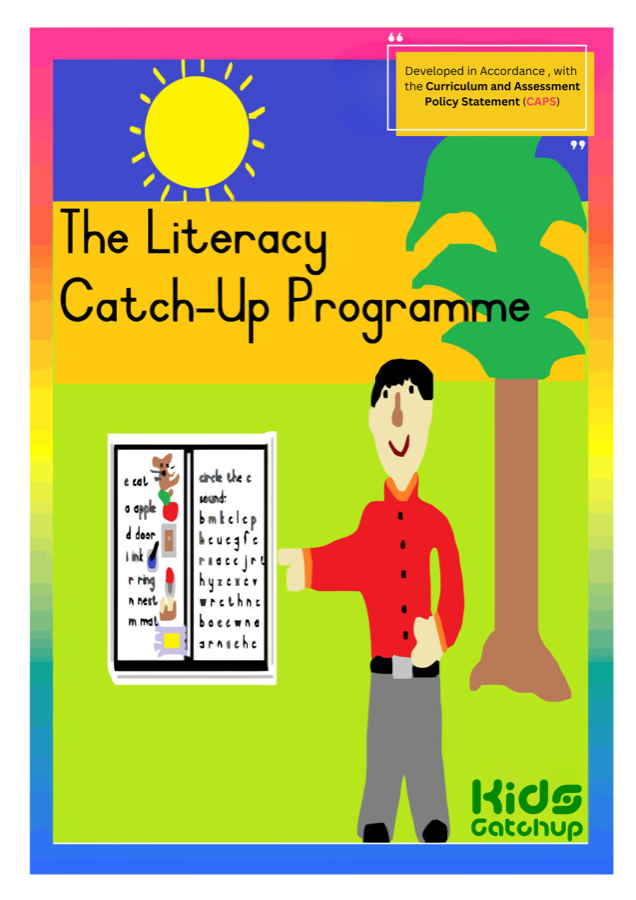
Online
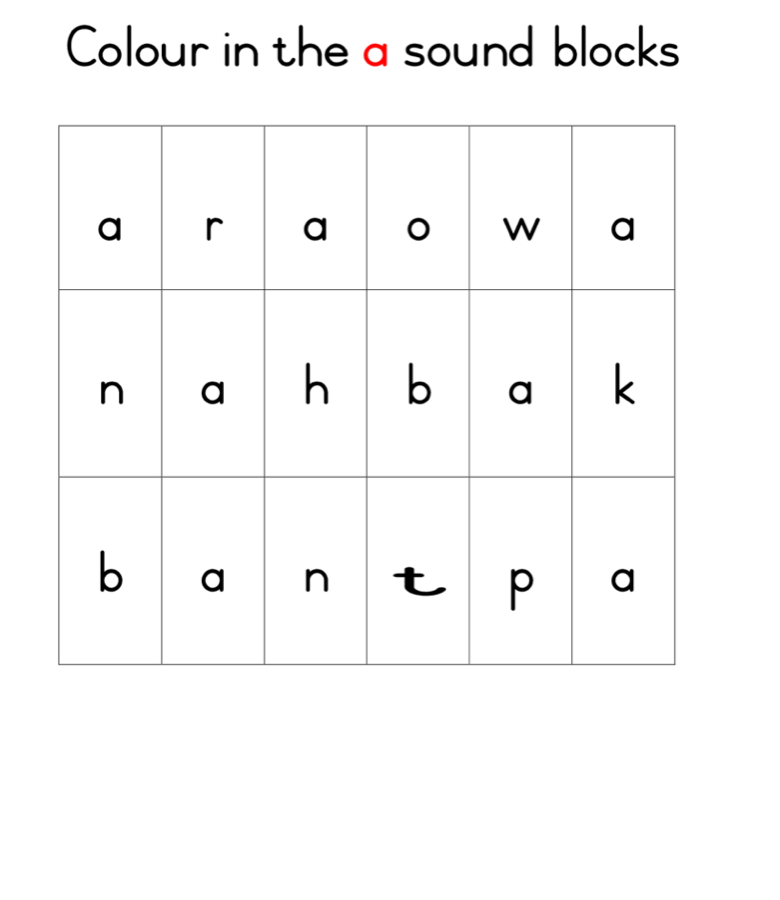
Letter practice matches the book sequence.
Why this matters for schools: teachers don’t invent a second curriculum.
Learners practise the same CAPS Catch-UP path on paper and in the media centre —
then the platform records progress for class reports.
What one book licence really buys you
From the live platform at
games.fmedia.co.za
— the digital twin of the printed Catch-UP series:
Typical edtech stack (elsewhere)
- Per-learner or per-device subscriptions
- Content that doesn’t match your LTSM cupboard
- Teachers rebuild lessons from scratch
- Reporting bolted on later (or not at all)
- Print books still ordered separately
Kidscatchup book deal
Take the books → unlock the twin
- Printed CAPS Catch-UP LTSM schools already need
- Digital licence code in order confirmation or QR card in pack
- Whole media-centre unlock for that programme
- Live rooms · 6-digit join · invigilator console · SBA bands
- Same stories/pages as the physical book — zero re-planning
How schools unlock (simple)
Order Catch-UP books
From kidscatchup.org or your sales rep — class packs / school orders
Get your licence code
On the order confirmation or the QR card inside the workbook pack
Activate at games.fmedia.co.za
School name + code → programme unlocks on the media-centre shelf
Run class tomorrow
Educator starts a room · learners enter 6-digit code · teach
Platform product copy (live system):
“Digital media-centre companion licence for schools that have purchased the printed Catch-UP workbook.
Unlocks assessment and class sessions on games.fmedia.co.za.”
Licence SKUs map 1:1 to each programme (e.g. Reading 1, Phonics 1–3, Maths 1–2, Literacy, Afrikaans…).
The LMS must never replace the physical workbook.
Every Catch-UP book becomes a living digital twin:
same pages, same sequence — with classroom orchestration, narration, assessment, and insight layered on top.
The programmes your order can unlock
Official covers — same shelf as
games.fmedia.co.za.
Take the print title; activate the matching digital twin.
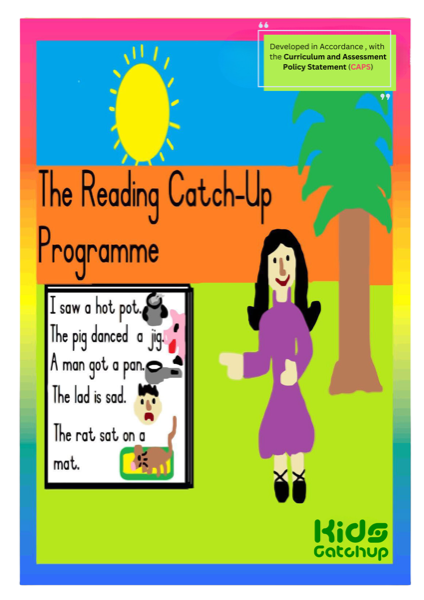
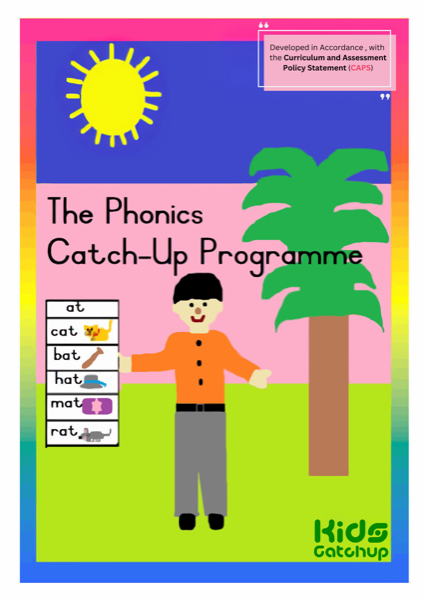
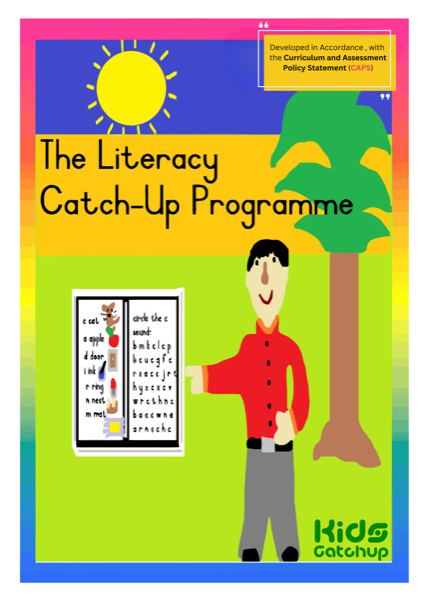
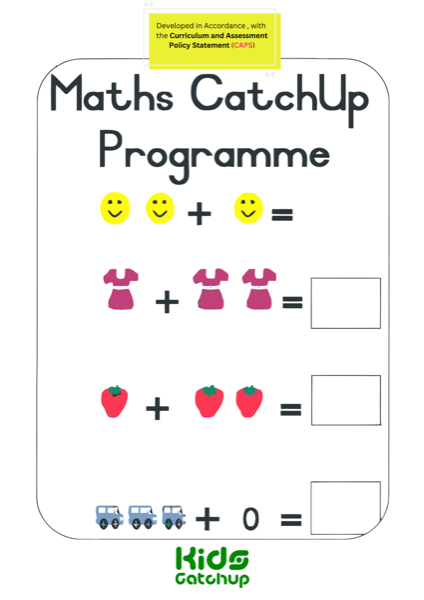
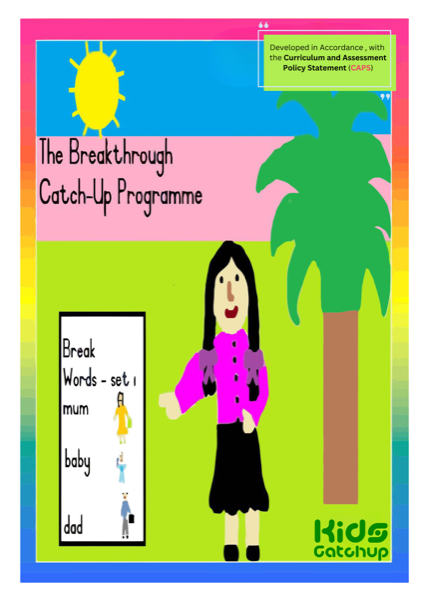
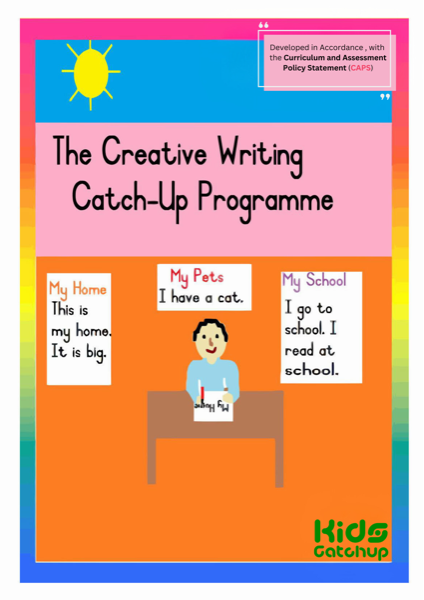
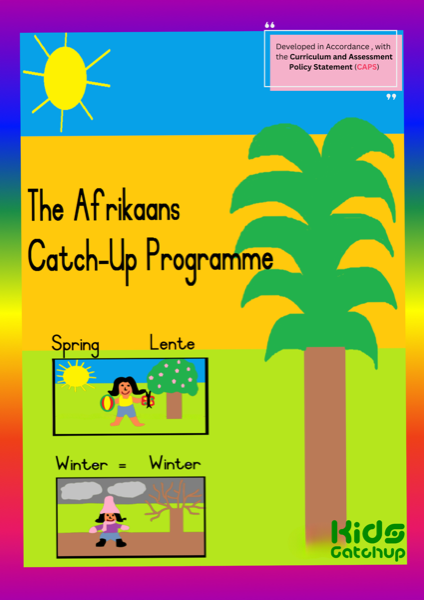
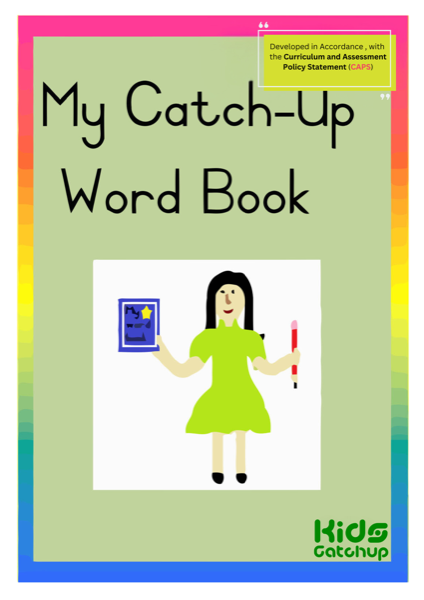
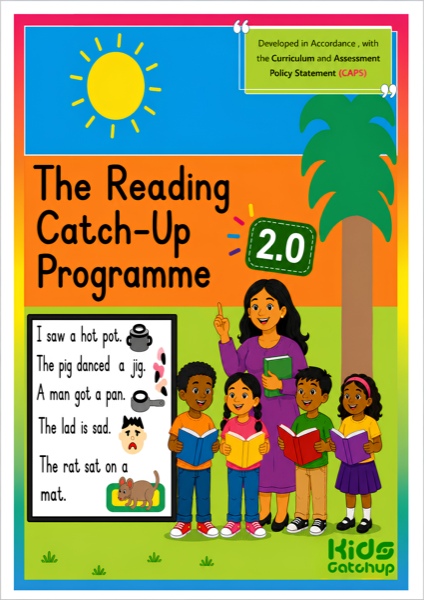
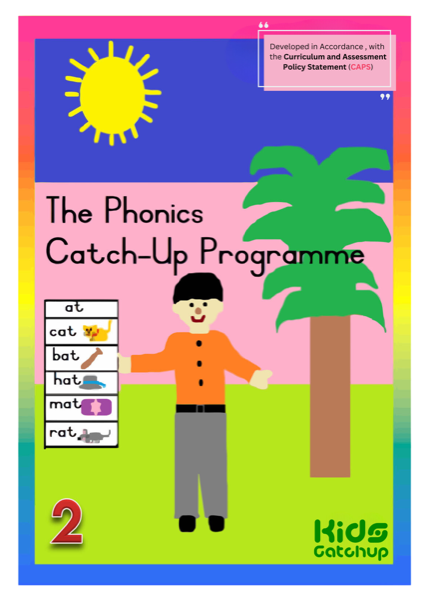
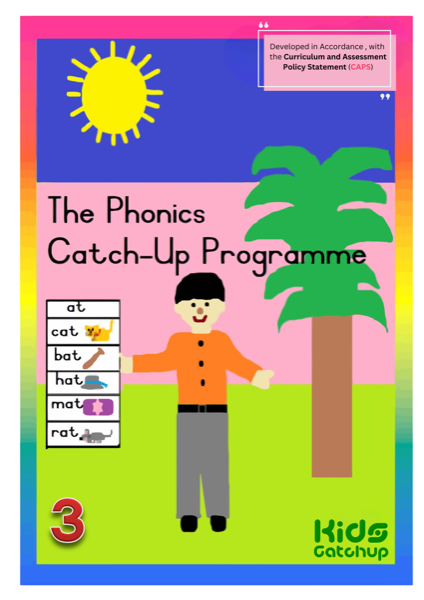
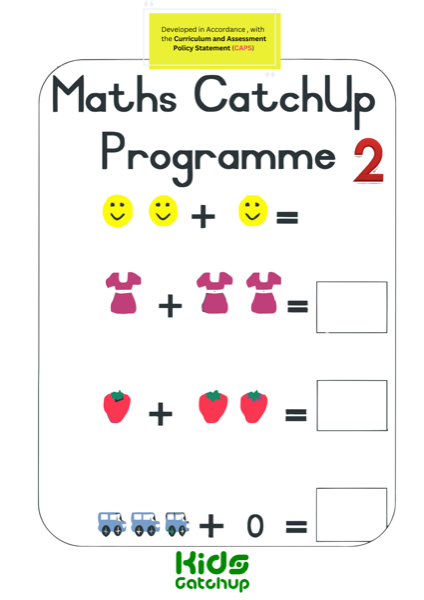
Foundation + Intermediate · English · Afrikaans · Maths · Phonics · Literacy
Content depth (live catalogue)
26 + 20 interactive stories with highlighting & comprehension
63 units — blends, digraphs, magic e
95 numeracy pages — counting, ops, money
41 literacy · 67 Afrikaans units
120 sight words across 12 sets
32 word-book units · creative writing themes
Classroom OS included with activation
Not a PDF dump. Not a locked reader. A full media-centre control stack:
Educator portal
- Live class + 6-digit room code
- One-book freedom or multi-book exam
- Timers, live progress, chat, broadcasts
- Optional class register
Learner portal
- Join with room code — no complex accounts
- Story → worksheet → quiz flow
- In-session help to the teacher
- Progress for SBA support
School licence
- Activate from book order / QR pack
- Unlock matching programme book
- Link to school name on media centre
- Coordinator-controlled
Administration
- Registers (CSV import)
- Educator assignments
- CAPS assessment analytics
- Shelf visibility controls
One media-centre period
Story
Narration + word highlighting
Workbook practice
Mapped to printed page sequence
Check & report
SBA bands for the class report
CAPS · LTSM honesty
Catch-UP is supplementary LTSM for Foundation Phase (R–3) and Intermediate Phase (4–6).
It supports CAPS English, Mathematics, Afrikaans and related skills —
it does not replace the full DBE/GDE prescribed programme.
Digital sessions are designed to support term SBA portfolios under educator supervision.
Why book buyers win
| Need | With Catch-UP books + digital unlock | Buying “LMS only” elsewhere |
|---|---|---|
| Classroom paper | Yes — CAPS Catch-UP LTSM in hand | Often separate / not included |
| Media-centre software | Activated with book licence code | Monthly platform fee stack |
| Lesson planning | Same sequence as the book — zero rebuild | Teachers map content themselves |
| Learner seats | Shared devices · room codes · rotate classes | Often priced per learner |
| Evidence for SGB / CSI | Class reports + SBA-style bands | Varies — rarely tied to your LTSM brand |
Learner names and progress support classroom assessment under educator supervision — not marketing.
Schools should use staff-managed registers only.
Make the book order do double duty
Paper for CAPS classrooms. Digital for the media centre.
Same titles. Same sequence. One activation.
Stack with
Little Coders
·
CSI Partnerships